

Arizona, It’s Now Legal to Carry Your Driver’s License in Your Cell Phone
If you were alive before we carried cell phones everywhere, you probably can’t imagine life without your device. Between the internet and our cellular devices, these technologies have replaced or augmented so many things.

In Arizona, you can now do one more thing with your cell phone: carry a copy of your legal identification. That means you can schlep your driver's license in the same pocket as your Apple Pay, the app that streams your favorite radio station (this one, of course!), and your calendar.

Your Driver’s License Is Moving Into Your Phone
You can’t just take a photo of your driver’s license and show it to a police officer if you’re stopped. You have to download the official app to make it legit.
Arizona now offers a Mobile Driver License (mDL), an official digital version of your state-issued driver's license or ID card that you can store on your phone.

According to the Arizona Department of Transportation (ADOT), the mDL is an official, state-issued credential available through the state's official Arizona Wallet app.
READ ALSO: What You Need To Know About Arizona's New Real ID Requirement
What App Should You Use?
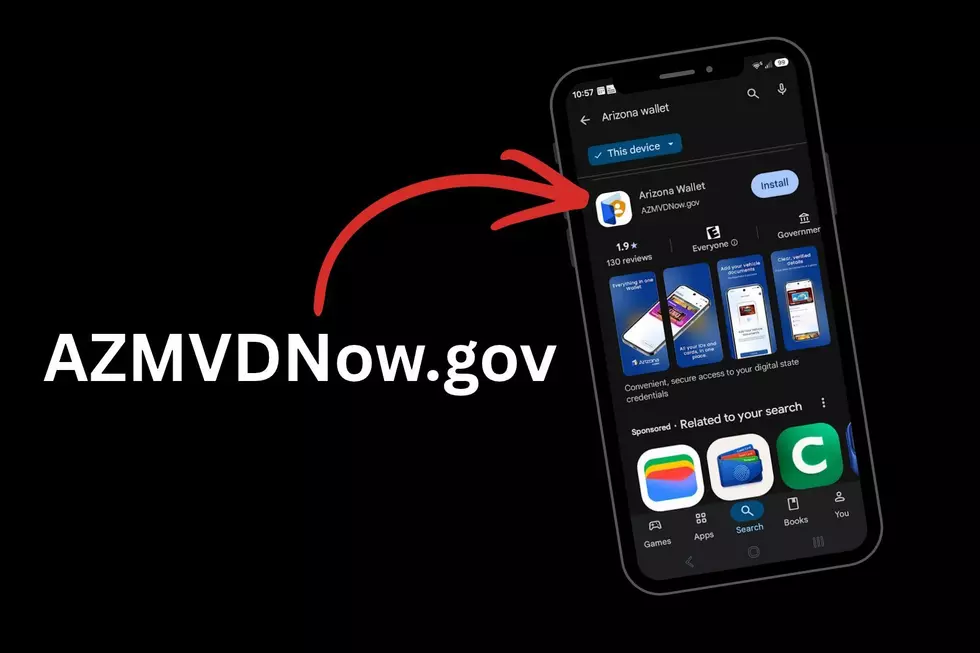
Arizona previously had a Mobile ID app, but it has been retired. As of 2026, ADOT upgraded to the official Arizona Wallet app, and you can download a version for your device at https://azdot.gov/mvd/mobile-driver-license.
The app lets users add their mobile driver's license or state ID and store certain vehicle documents.
What Are The Rules?
Don’t toss your plastic license in a drawer just yet; there's an important catch.
According to ADOT, Arizona's mobile ID is optional, and residents are still encouraged to carry their physical driver's license. Not every business, government agency, or law enforcement officer has the technology needed to verify a digital credential.
Another perk of carrying a digital version of your Arizona ID in your wallet: According to the MVD, this will “allow for more streamlined verification at eligible TSA checkpoints and more!”

A few key points about the App:
- The mobile ID is a valid state-issued credential.
- The app is free to download and use and is available from AZ ADOT or your app store. Just make sure it's the official Arizona Wallet app.
- You need a valid Arizona driver's license or state ID to enroll.
- Mobile IDs are accepted at participating TSA checkpoints and other approved locations.
- ADOT recommends carrying your physical license when driving.

READ: Waymo's Driverless Taxis In Phoenix And What The Safety Data Shows
Adding the App
So yes, your Arizona ID can live on your phone. I just installed the app on my phone to test it, and it was really easy to use. I just followed the prompts to add my driver’s licence, then the app checked with the MVD and found and added registration documents for both our family vehicles. It was easy and only took about 5 minutes to complete.
Don’t leave your physical documents at home just yet. For now, the digital version of your MVD documents is best viewed as a convenient companion rather than a complete replacement.
Arizona: Remove These 9 Items From Your Wallet or Purse Immediately!
Gallery Credit: Val Davidson
Surprise! THESE 14 Things are Legal in Arizona
Gallery Credit: Val Davidson/TSM
Absolutely Absurd Laws You're Probably Breaking in Arizona, Right Now
Gallery Credit: Tim Gray